Frustrated shoppers often leave a store sooner when simple tasks like finding the right aisle become confusing. For marketing managers, these navigation obstacles can quietly impact both sales and customer satisfaction. Addressing navigation obstacles in your retail space can transform a stressful visit into a smooth shopping experience while creating a more accessible environment for everyone.
Table of Contents
- Step 1: Identify Key Navigation Challenges In Your Store
- Step 2: Gather Essential Information And Visual Assets
- Step 3: Choose Optimal Sign Types And Placement Locations
- Step 4: Design Clear Layouts With Consistent Branding
- Step 5: Verify Readability And Test User Navigation
Quick Summary
| Key Takeaway | Explanation |
|---|---|
| 1. Identify navigation challenges | Conduct a spatial analysis to pinpoint areas that confuse customers, affecting their shopping experience. |
| 2. Compile essential visual assets | Gather blueprints, photos, and customer flow diagrams to understand layout and customer navigation patterns. |
| 3. Choose effective signage types | Select sign types for clear communication and strategic placement to guide customers through the store. |
| 4. Ensure consistent branding | Maintain uniform colors, typography, and layout across signage to strengthen brand identity while aiding navigation. |
| 5. Test for readability and accessibility | Use diverse participants to conduct user testing on signage, ensuring it is legible and accessible to all customers. |
Step 1: Identify key navigation challenges in your store
Navigating a retail space should feel effortless for customers. However, many stores unknowingly create complex and confusing environments that frustrate shoppers and potentially reduce sales. Understanding and addressing navigation obstacles is crucial for creating a positive shopping experience.
To effectively diagnose your store’s wayfinding challenges, start by conducting a detailed spatial analysis. Critical wayfinding research reveals that spatial configuration dramatically impacts customer movement and comfort. Some common navigation challenges include:
- Unclear product section boundaries
- Narrow or awkward store layout pathways
- Lack of visual landmarks or orientation points
- Insufficient or poorly placed directional signage
- Complex store designs with multiple intersecting areas
Walk through your store from a customer’s perspective, paying close attention to potential points of confusion. Observe how customers currently navigate the space, noting where they hesitate, ask for help, or appear disoriented. These moments reveal critical insights into your store’s navigation difficulties.
Customer flow mapping can provide quantitative data about movement patterns. Track how people typically move through your space, identifying bottlenecks and areas where they might feel lost or overwhelmed. This process helps you understand spatial challenges from an empirical perspective.
Pro tip: Recruit a few external observers or ask friends to walk through your store and provide honest feedback about navigation ease. Fresh eyes can reveal hidden wayfinding challenges you might have overlooked.
Step 2: Gather essential information and visual assets
Designing effective wayfinding signs requires a comprehensive understanding of your store’s unique environment and customer navigation patterns. Retail wayfinding research reveals that thorough information gathering is the critical foundation for creating intuitive signage solutions.
Begin by collecting the following essential information and visual assets:
- Current store layout blueprints or detailed floor plans
- High-resolution digital photographs of existing store spaces
- Customer traffic flow diagrams
- Product section boundaries and category maps
- Existing signage inventory (locations, types, conditions)
- Brand color palette and graphic design standards
Your goal is to create a comprehensive visual documentation package that captures every nuance of your store’s spatial design. Detailed maps and images help you understand how customers move through your space and identify potential navigation challenges.
Accurate spatial documentation is the blueprint for effective wayfinding strategies.
Carefully measure and document key spatial elements such as aisle widths, intersection points, and potential visual landmarks. Pay special attention to areas where customers might experience confusion or require additional directional guidance.

Pro tip: Take panoramic photographs and video walkthrough recordings of your store to capture spatial relationships that static images might miss.
Step 3: Choose optimal sign types and placement locations
Retail wayfinding research indicates that strategic sign selection and placement are crucial for effective store navigation. Successful wayfinding depends on choosing the right sign types and positioning them where customers need directional guidance most.
Consider these primary sign types for your store:
Here’s a quick overview of common wayfinding sign types and their main functions:
| Sign Type | Main Function | Typical Placement |
|---|---|---|
| Directional Signs | Guide toward key areas | Entrances, intersections |
| Identification Signs | Mark departments or sections | Department entry points |
| Informational Signs | Share store details | Customer service, aisles |
| Regulatory Signs | State policies and rules | Entrances, exits, registers |
| Digital Signs | Offer interactive assistance | High-traffic zones |
- Directional signs: Guide customers between key areas
- Identification signs: Mark specific departments or sections
- Informational signs: Provide helpful store details
- Regulatory signs: Communicate store policies and rules
- Digital interactive signs: Offer dynamic navigation assistance
When determining sign placement, focus on critical decision points where customers typically pause or feel uncertain. These locations include:
- Store entrances
- Intersection of multiple aisles
- Near escalators or elevators
- Close to customer service areas
- At the beginning and end of major product sections
Effective sign placement transforms customer confusion into confident navigation.
Each sign type serves a unique purpose in guiding customers through your space. Wall-mounted, ceiling-hanging, and floor-based signs can work together to create a comprehensive wayfinding system that minimizes customer frustration and enhances their shopping experience.
Pro tip: Conduct a walkthrough test with new customers to validate your sign placement strategy and identify any potential navigation gaps.
Step 4: Design clear layouts with consistent branding
Wayfinding design principles emphasize creating a visual language that guides customers intuitively while reinforcing your brand identity. Your signage should communicate more than directions – it should tell your brand’s story through strategic design elements.
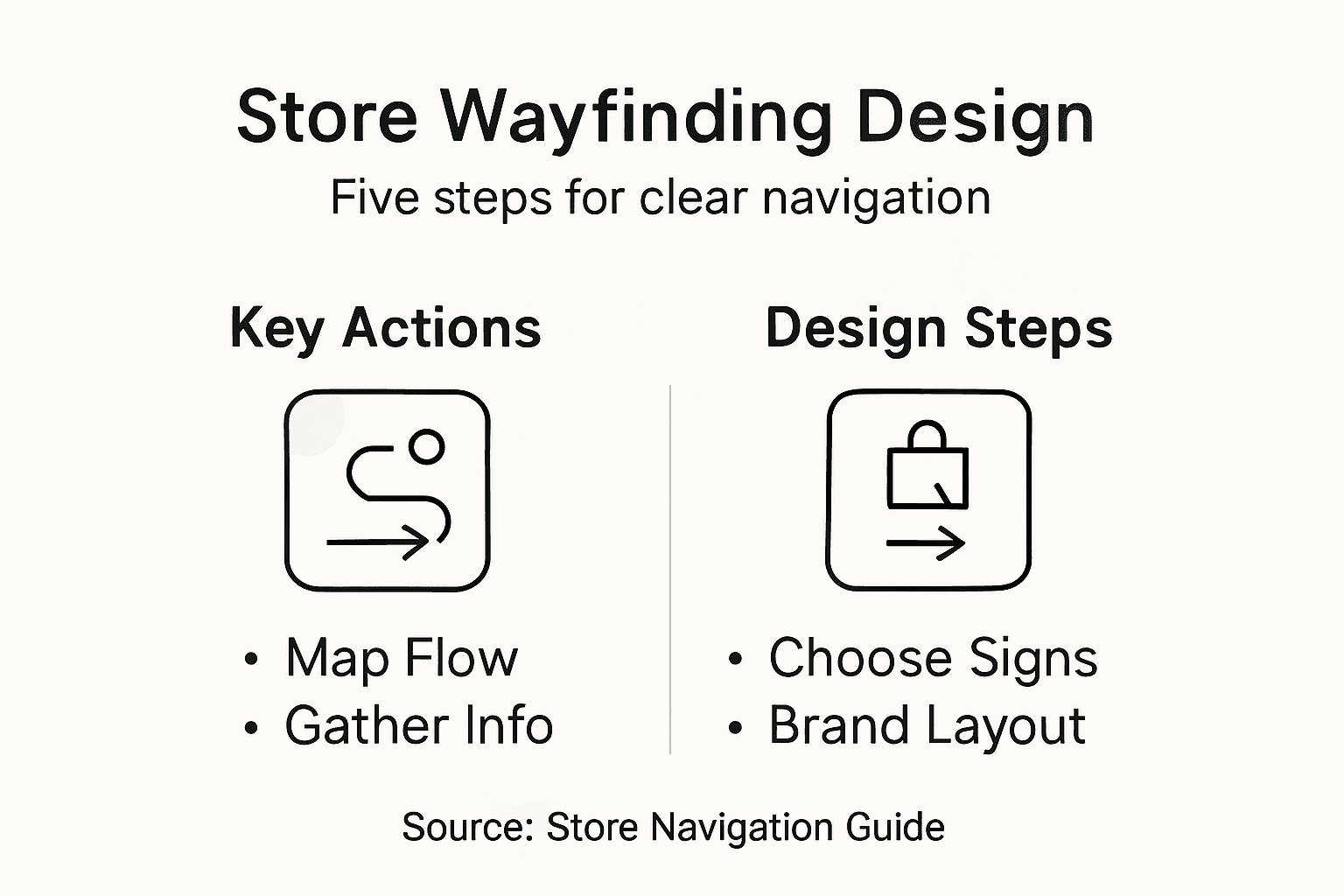
Key components of a consistent branding approach include:
This table summarizes how strong branding elements enhance the wayfinding experience:
| Branding Element | Navigation Benefit | Customer Impact |
|---|---|---|
| Consistent Colors | Aid instant recognition | Faster wayfinding decisions |
| Clear Typography | Improve readability | Reduced navigation errors |
| Uniform Icons | Create visual continuity | Easier comprehension |
| Logical Layouts | Simplify sign scanning | Greater customer confidence |
- Typography: Select 1-2 fonts that match your brand personality
- Color palette: Use consistent brand colors across all signs
- Iconography: Develop a uniform set of symbols and graphics
- Visual hierarchy: Create clear information organization
- Spacing and alignment: Maintain consistent layout principles
Cohesive design transforms wayfinding from a functional necessity into a powerful branding opportunity.
Each sign should feel like a deliberate extension of your brand, using visual consistency to create a seamless navigation experience. This means your directional signs, identification markers, and informational displays should look like they belong to the same visual family.
Pro tip: Create a comprehensive sign design style guide that documents exact specifications for font usage, color codes, icon designs, and layout rules to ensure long-term consistency.
Step 5: Verify readability and test user navigation
Wayfinding accessibility testing requires a comprehensive approach that goes beyond simple visual inspection. Your goal is to create a navigation system that works seamlessly for every customer, regardless of their abilities or familiarity with your store.
Key testing methods for verifying sign effectiveness include:
- Conduct user experience walkthroughs with diverse participants
- Measure sign legibility from various distances and angles
- Check color contrast and font readability
- Test sign visibility under different lighting conditions
- Verify sign height and placement for accessibility
- Gather feedback from individuals with different mobility needs
Effective wayfinding design considers every user’s unique navigation experience.
Quantitative testing involves tracking customer movement patterns, observing where people pause or become confused, and measuring the time required to navigate between key store locations. User testing data provides critical insights into how well your signage communicates directions and supports intuitive store exploration.
Pro tip: Recruit test participants with diverse backgrounds and abilities, including individuals with visual impairments or mobility challenges, to ensure your wayfinding system is truly inclusive.
Enhance Your Store Navigation with Custom Wayfinding Signs
Struggling with customer confusion and poor flow in your store can directly impact sales and satisfaction. The article highlights key challenges like unclear section boundaries, insufficient signage, and complex layouts that frustrate shoppers. At Custom Signs Today, we specialize in creating high-quality, custom-made wayfinding signs that tackle these exact problems. Our durable, visually consistent signs ensure your customers experience effortless navigation, reinforcing your brand identity while guiding every step.
Ready to transform your store into a model of clarity and confidence? Explore our comprehensive range of signage solutions at Uncategorized to find the perfect fit, or visit our main site now. Let us help you design and install signs that turn navigation obstacles into seamless shopping journeys. Contact us today to request a free quote and take the first step toward a more navigable business environment.
Frequently Asked Questions
How can I identify navigation challenges in my store?
To identify navigation challenges, conduct a spatial analysis by walking through your store from a customer’s perspective. Observe areas where customers hesitate or ask for assistance, and document specific points that may cause confusion.
What essential information should I gather for designing wayfinding signs?
Gather vital information such as your current store layout, customer traffic flow diagrams, and photographs of existing signage. Compile this information to create a comprehensive visual documentation package that supports effective wayfinding design.
What types of signs should I include for effective store navigation?
Include directional signs, identification signs, informational signs, regulatory signs, and digital signs in your wayfinding strategy. Each sign type serves a specific purpose, guiding customers to crucial areas and enhancing their shopping experience.
How do I ensure my signs maintain consistent branding?
To maintain consistent branding, use a cohesive color palette, typography, and iconography across all signage. Create a style guide that outlines specifications for font usage, colors, and layout to ensure visual consistency in your wayfinding system.
What methods can I use to test the effectiveness of my wayfinding signs?
Conduct user experience walkthroughs with diverse participants to measure sign legibility, visibility, and overall effectiveness. Gather feedback and analyze customer movement to identify any areas of confusion, allowing you to make necessary adjustments for improved navigation.